

Static directory Builder
Introduced in v1.9.0
With ZaneOps you can deploy pre-built HTML/CSS/JS websites using the static directory builder. It will be deployed using using a caddy on alpine image.
- You can specify the directory to publish
- You can specify a custom not found page
- You can specify if the page is an SPA and where to redirect all requests to
Overriding the default Caddyfile
Section titled “Overriding the default Caddyfile”When updating your options in the UI, ZaneOps will show you a preview of the generated Caddyfile
that will be used to expose your app.
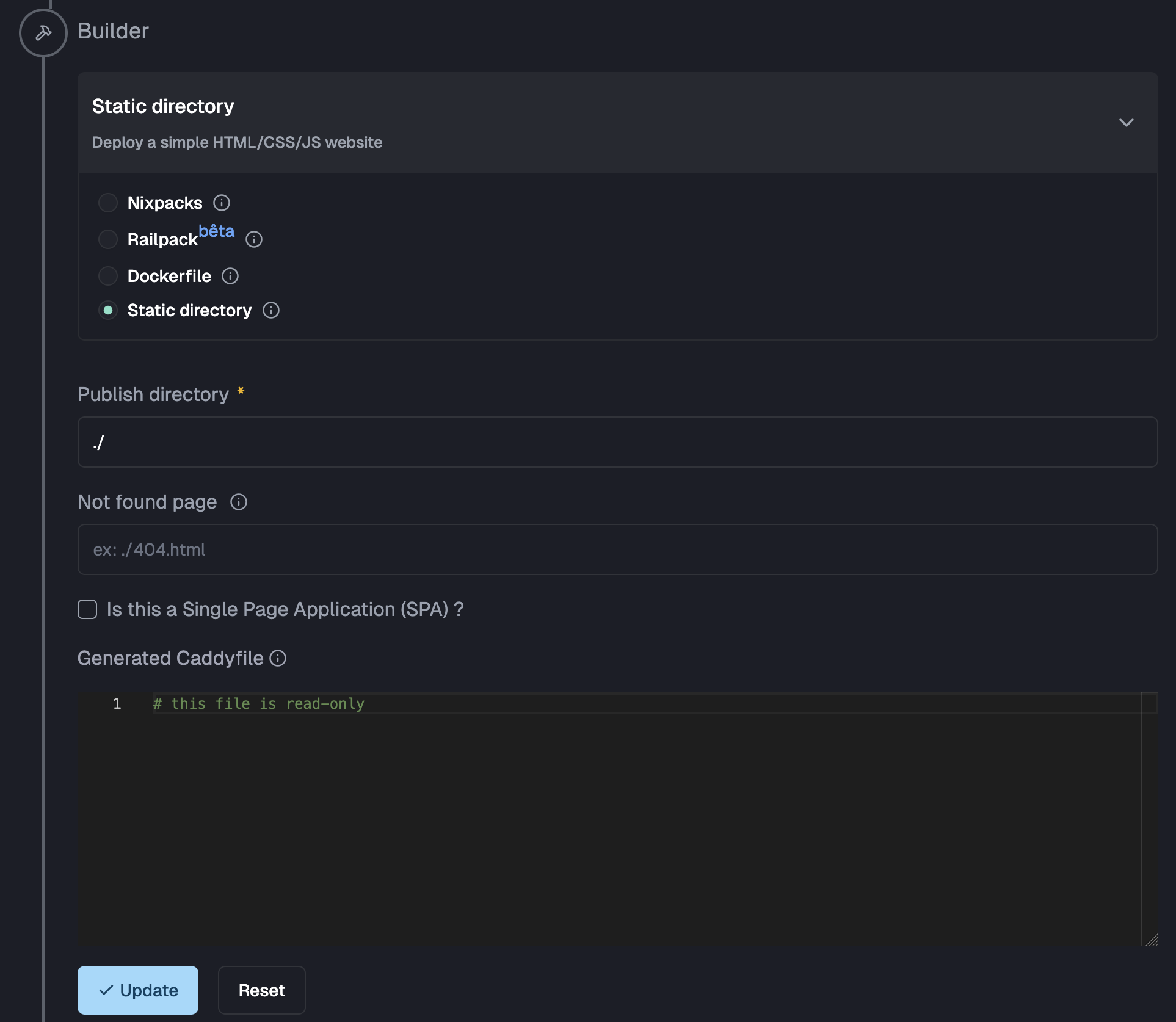
You can override the generated file by providing a Caddyfile at the root of your publish directory. When specifying this, ZaneOps use it over the default generated one. With this you can add things like caching or simple HTTP basic authentication to your static websites.
When specifying a custom Caddyfile, you can use :
- the environment variable
$PUBLIC_ROOTas the root for static files - the environment variable
$PORTas the port for exposing your app
Here is A fully working example of a custom Caddyfile :
# expose your app to $PORT and use 80 if undefined:{$PORT:80} { # Set the root directory for static files root * {$PUBLIC_ROOT} # Serve static files file_server # Add `cache-control` header to static assets, images and videos @assets { path_regexp assets \.(css|js|png|jpg|jpeg|gif|svg|woff|woff2|eot|ttf|otf|mp4)$ } header @assets Cache-Control "public, max-age=31536000, immutable" # For all 404 errors, show a custom page handle_errors { @404 { expression {http.error.status_code} == 404 } rewrite @404 ./404/index.html file_server }}