

Preview enviroment templates
Introduced in v1.12.0
Preview templates let you define how preview environments should be created.
They give you fine-grained control over what gets cloned, how previews are exposed, and how long they live.
What can you configure?
Section titled “What can you configure?”A template can define:
- Base environment: the source environment to clone from (defaults to production).
- Services to clone: include or exclude specific services from the base environment (defaults to all services).
- Default environment variables: inject common vars into all preview deployments.
- Root domain: set the domain under which preview URLs will be created.
- Preview limit: maximum number of previews per template (defaults to 5).
- Automatic cleanup: whether previews are automatically deleted when a branch is closed or deleted.
- TTL (time-to-live): how long previews remain active (defaults to infinite).
- Authentication: enable or disable access protection for preview environments.
Where to configure templates
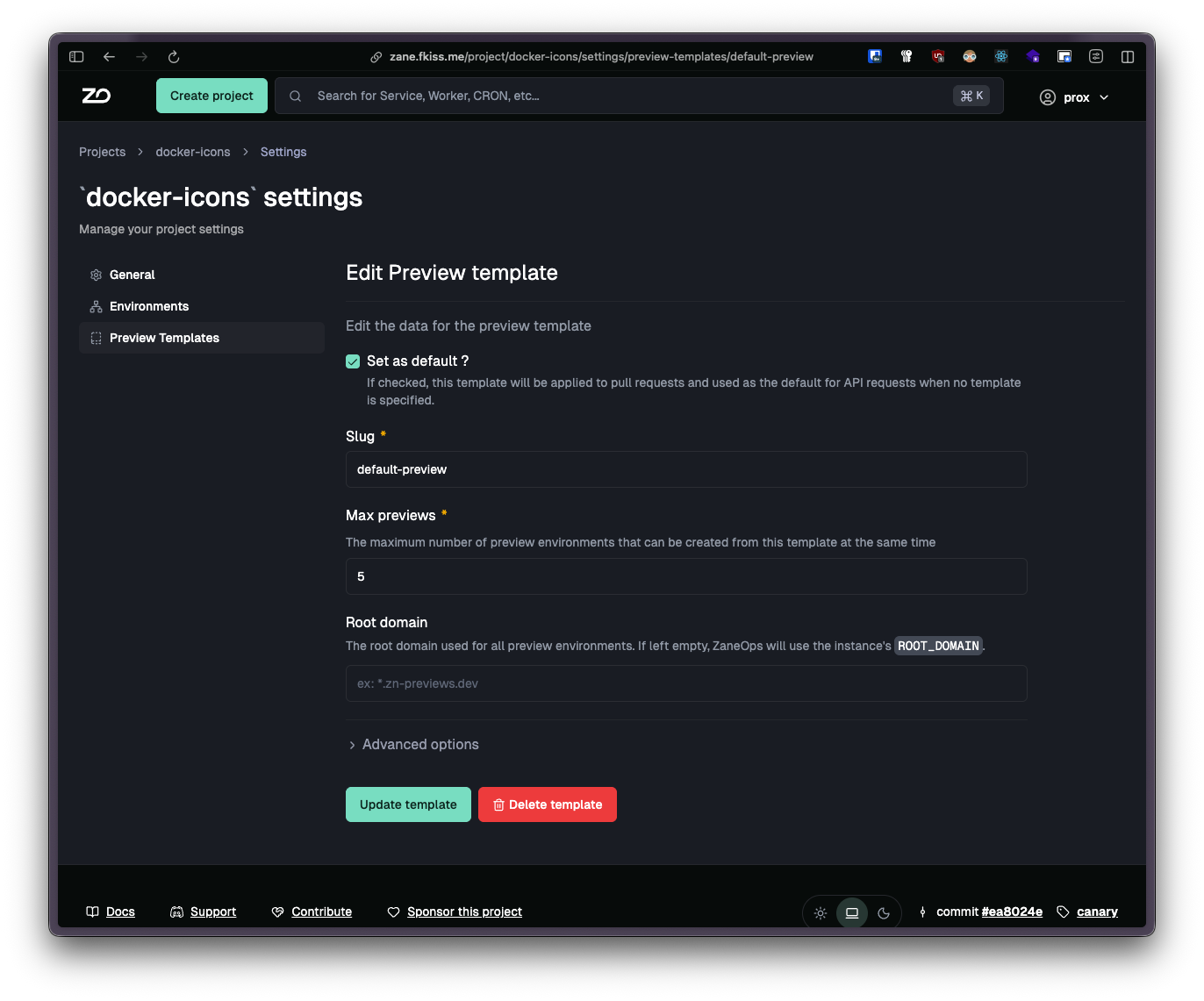
Section titled “Where to configure templates”You can create and manage templates under Project > Settings > Preview templates.
-
Templates are scoped to a specific project.
-
Only one template can be marked as the default.
-
The default template is automatically used for pull requests and when you omit the
templatefield in the API.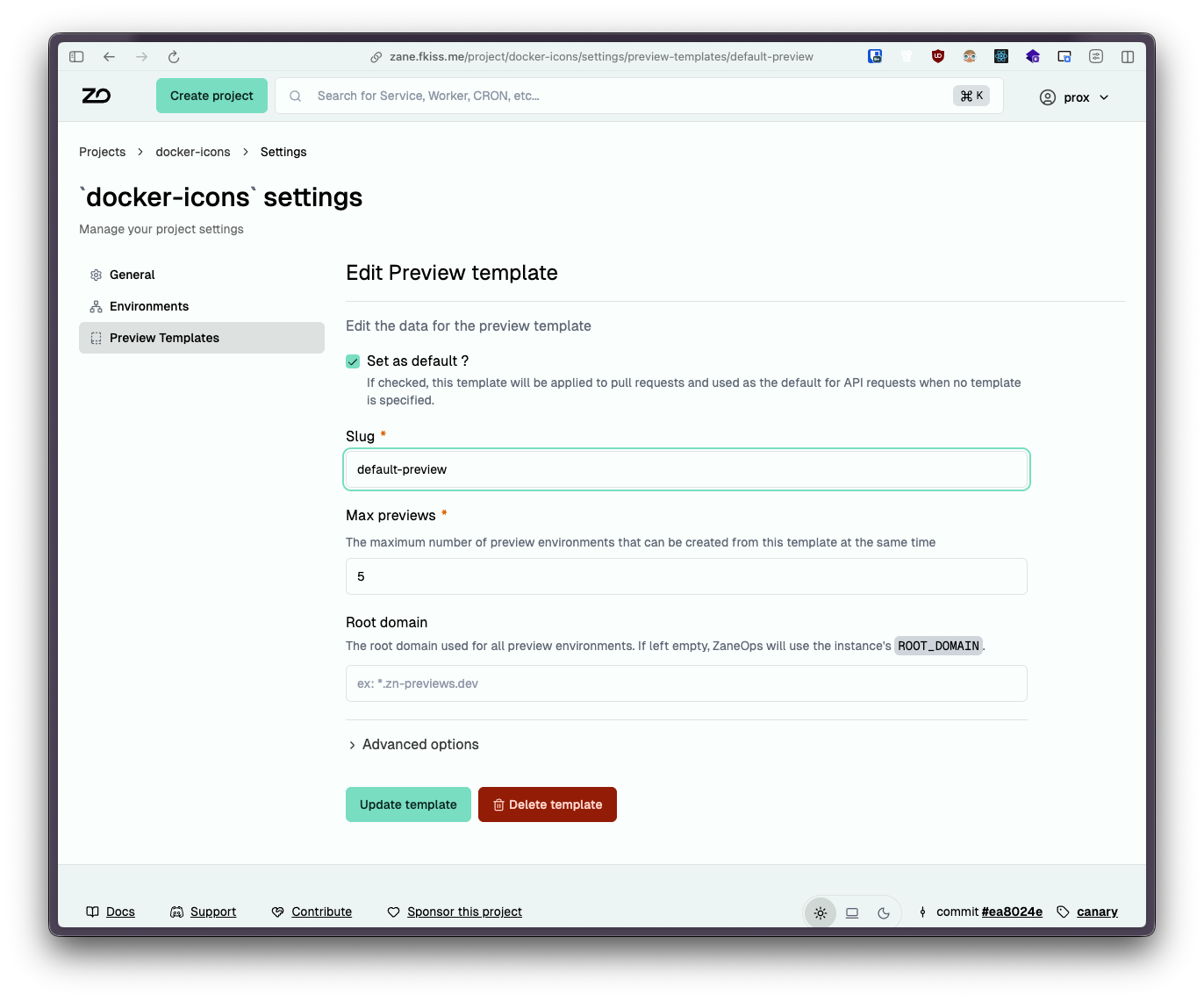
Cloning strategies
Section titled “Cloning strategies”You can choose how services are cloned into a preview environment:
-
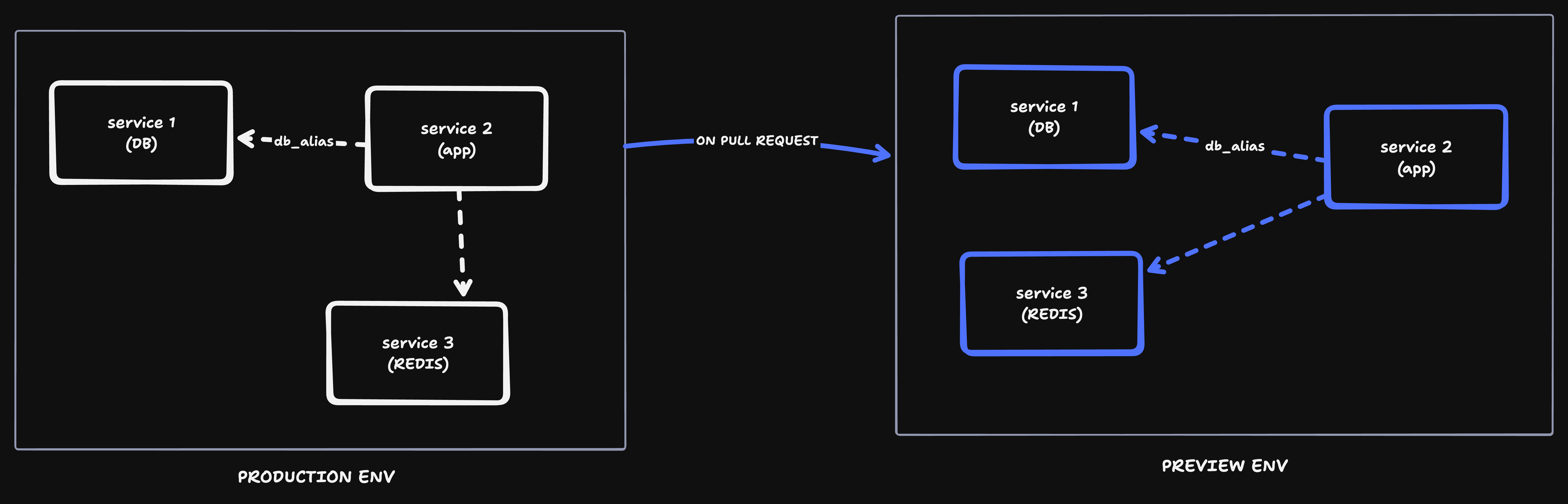
All services: spin up a full copy of the base environment.
Use this to test features in complete isolation.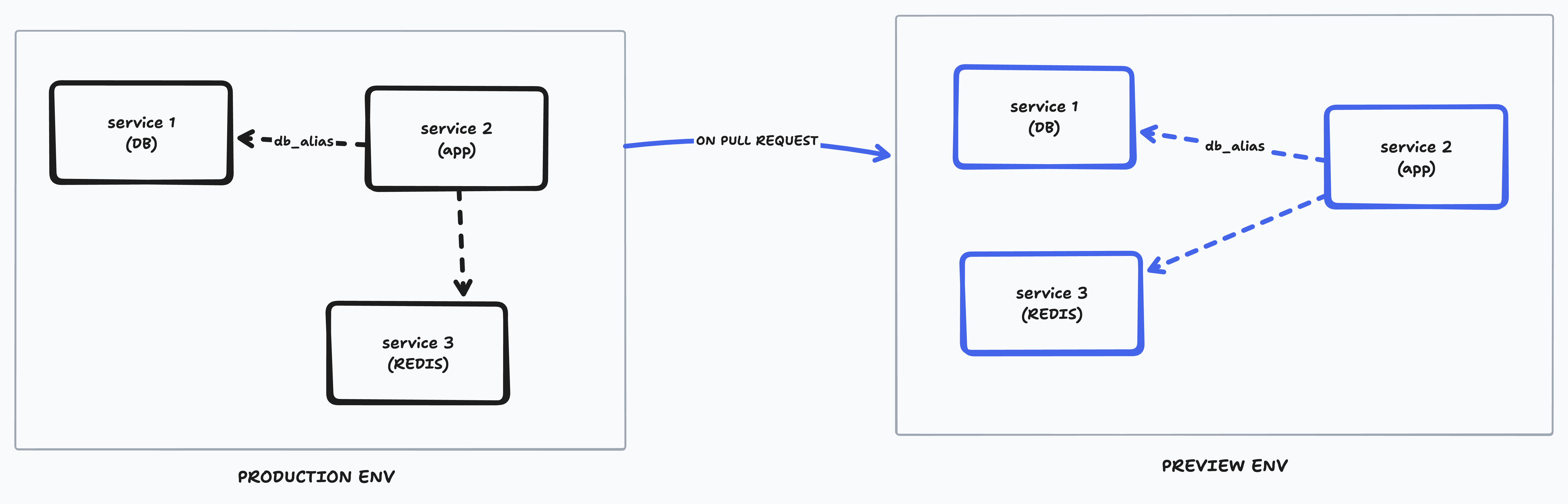
-
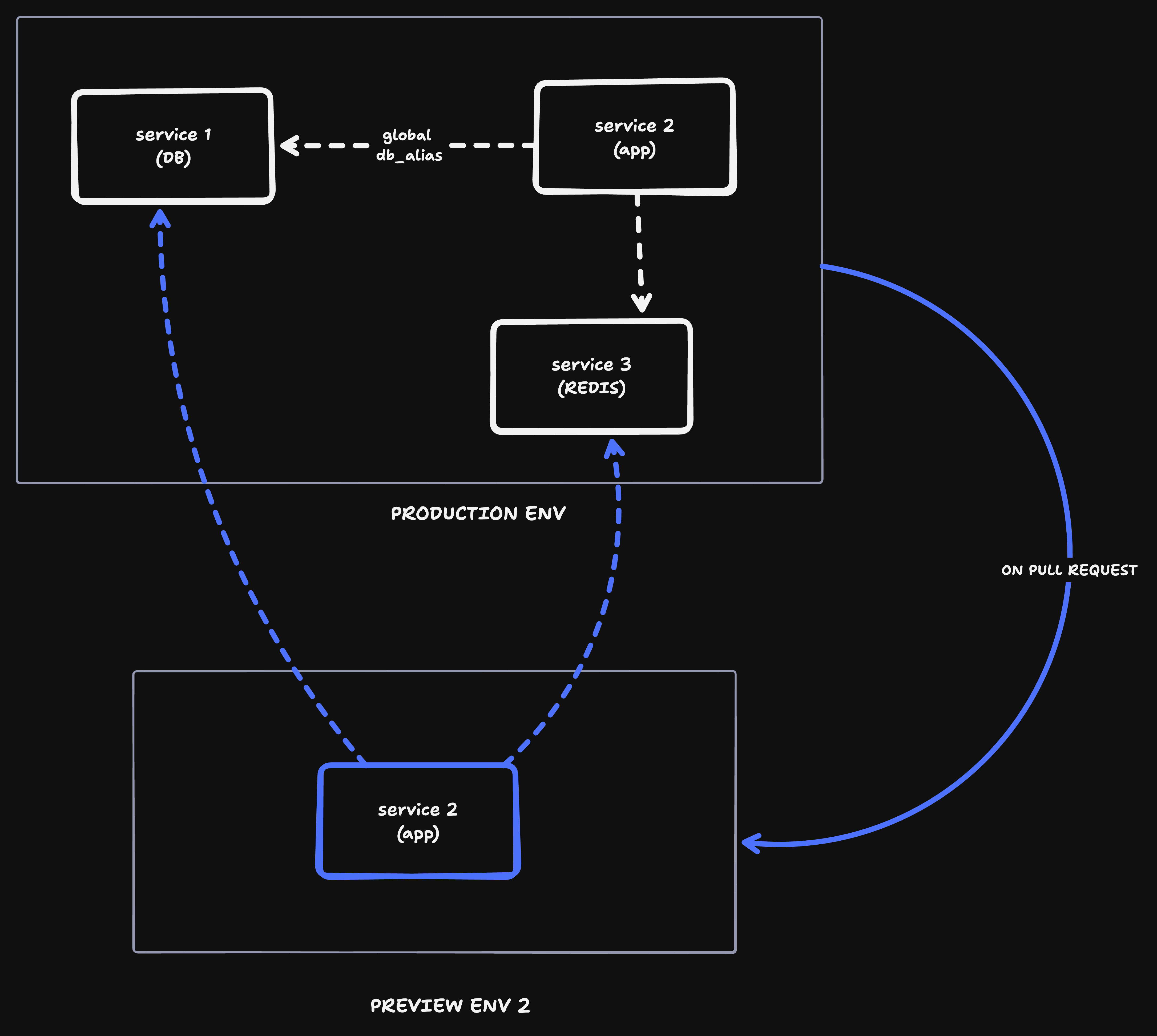
Only selected services: clone only the services you need.
This is useful for sharing heavy or persistent services across environments (e.g. reusing the same database in previews).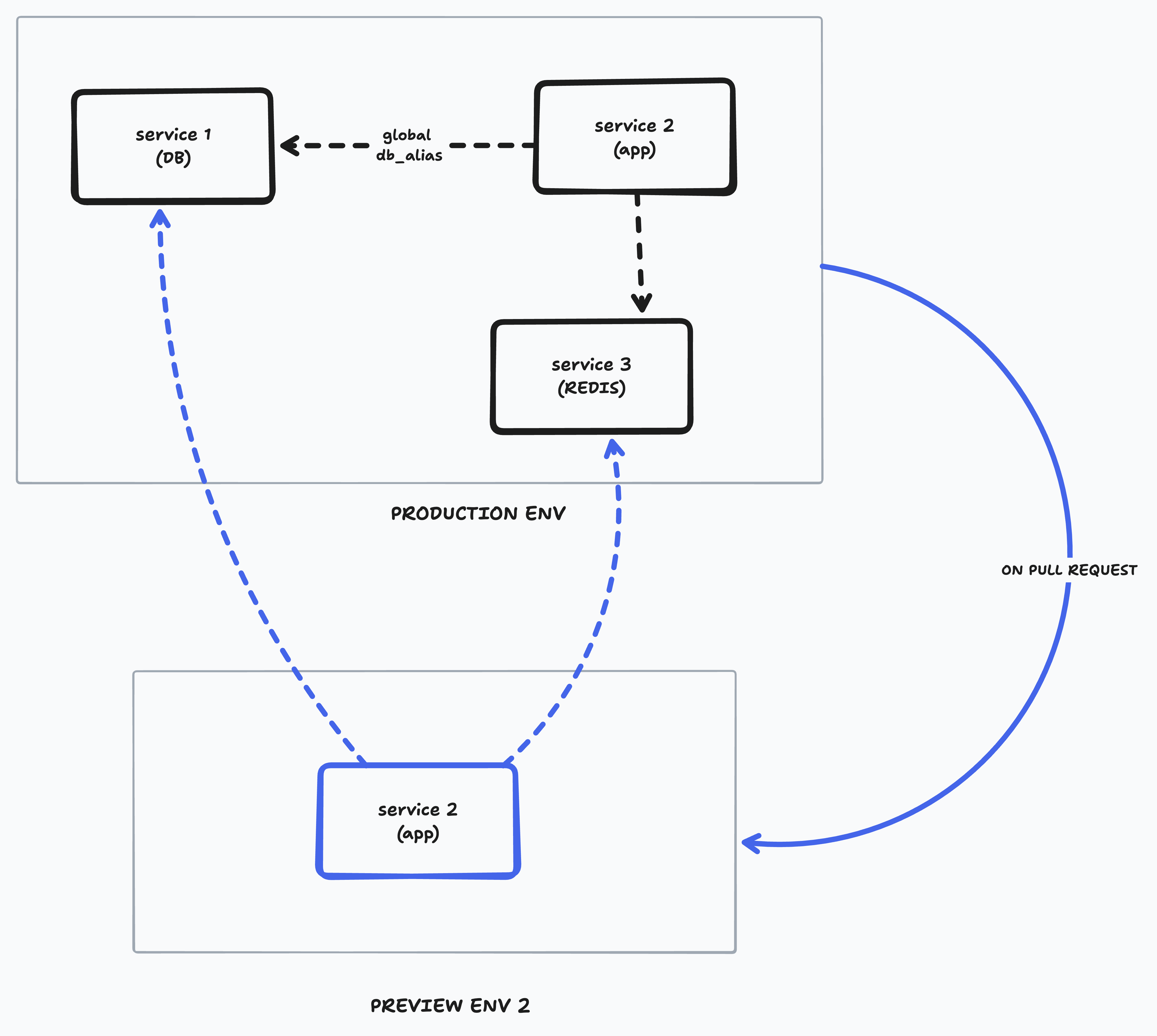
Root domain
Section titled “Root domain”By default, ZaneOps uses the ROOT_DOMAIN environment variable as the base domain for preview environments.
Each preview gets a unique subdomain under this root.
You can override the root domain in a preview template if you want previews to live under a different domain.
Time to live (TTL)
Section titled “Time to live (TTL)”Preview environments can be configured with a time-to-live (in seconds).
- When the TTL expires, the preview is automatically deleted.
- If not set, previews live indefinitely until either manually removed or automatically cleaned up (default behavior).
Authentication
Section titled “Authentication”You can optionally protect preview environments with Basic Authentication.
- When enabled, users must enter a username and password before accessing any web service in the preview.
- Credentials are defined per template
Preview limit
Section titled “Preview limit”You can restrict how many preview environments a template is allowed to create.
- By default, the limit is 5 previews per template.
- When the limit is reached, no new previews will be created until an existing one is deleted.
This is to prevent uncontrolled growth of preview environments and ensures resource usage stays within limits.