

Pull request previews
Introduced in v1.12.0
When creating a service from a Git application, pull request previews are enabled by default.
You can manage this behavior in the service’s settings under Auto-deploy options:


How it works
Section titled “How it works”When a pull request is opened, ZaneOps automatically creates a preview environment for that PR.
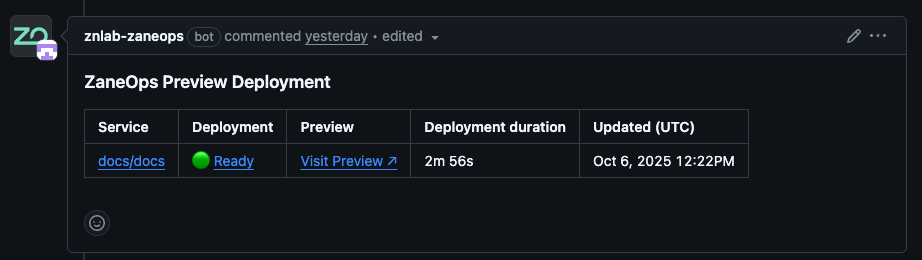
The associated Git application will also post a comment on the pull request, updating you on the status of the preview deployment.

Note about preview deployments from forks
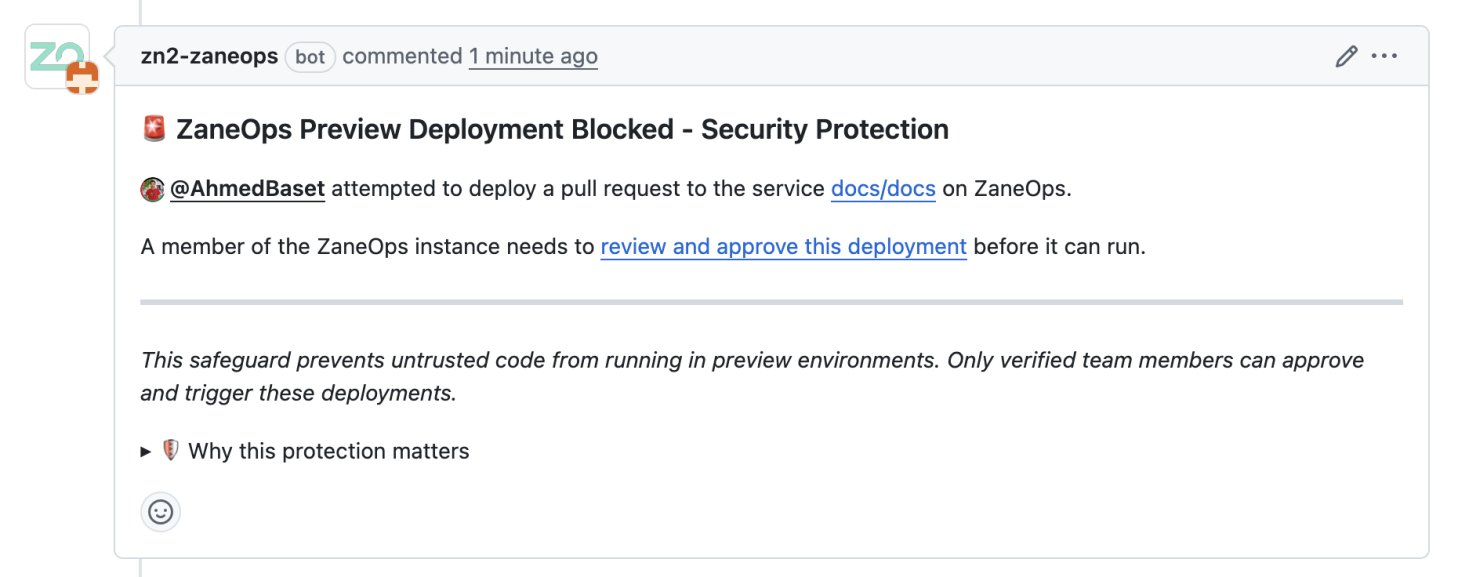
Section titled “Note about preview deployments from forks”When a pull request originates from a forked repository, ZaneOps will create the preview environment but will not automatically trigger its deployment.
The repository owner (or ZaneOps project owner) must approve or decline the preview deployment manually.


Troubleshooting
Section titled “Troubleshooting”Preview not appearing or stuck
Section titled “Preview not appearing or stuck”- Check that auto-deploy for pull requests is enabled in your service settings.
- Ensure the Git app webhook is correctly configured and hasn’t been disabled by your Git provider.
- If the pull request comes from a fork, the deployment may be waiting for manual approval.
No comment on the pull request
Section titled “No comment on the pull request”- The Git app needs write access to post comments.
Verify that the app has the required permissions under your repository’s installed integrations. - Check if commenting is disabled for bots or third-party apps in your repository settings.
Preview not updating on new commits
Section titled “Preview not updating on new commits”- Make sure the preview was created with
"commit_sha": "HEAD"(for branch-based previews). - If it was triggered manually with a specific commit SHA, new commits will be ignored.