

Overview
Introduced in v1.13.0
ZaneOps supports deploying multi-container applications from docker-compose.yml files, with built-in blue/green deployments, web routing, and more.
In ZaneOps, these are called Compose Stacks.
How does it work ?
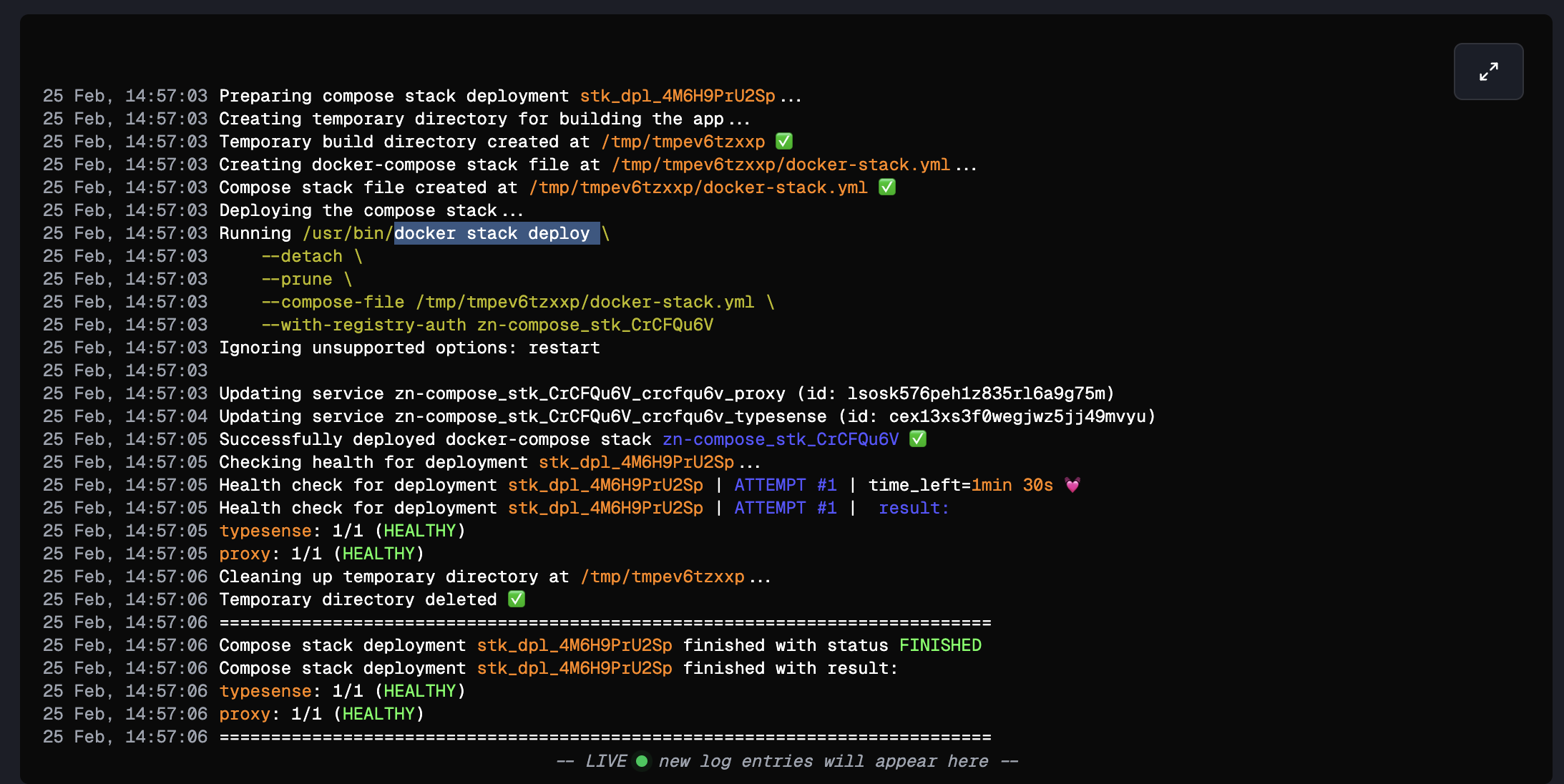
Section titled “How does it work ?”Under the hood, compose files are deployed as Docker stacks via Docker Swarm, not plain docker compose up.
This is an important distinction: Swarm is what enables ZaneOps to orchestrate rolling blue/green deployments, whereas standard Docker Compose has no concept of that.
Ways to create a compose stack
Section titled “Ways to create a compose stack”There are three ways to create a compose stack in ZaneOps:
- From a
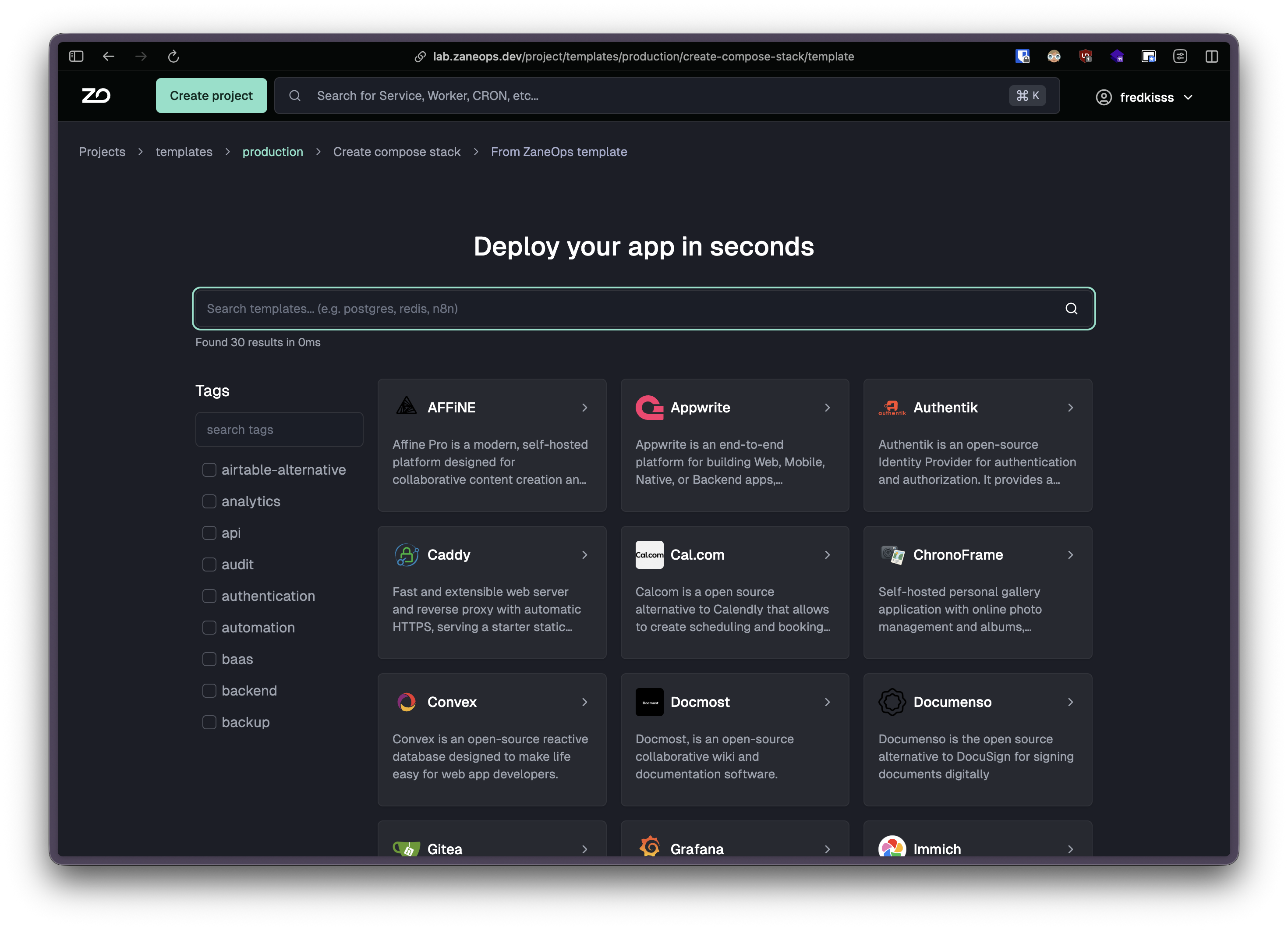
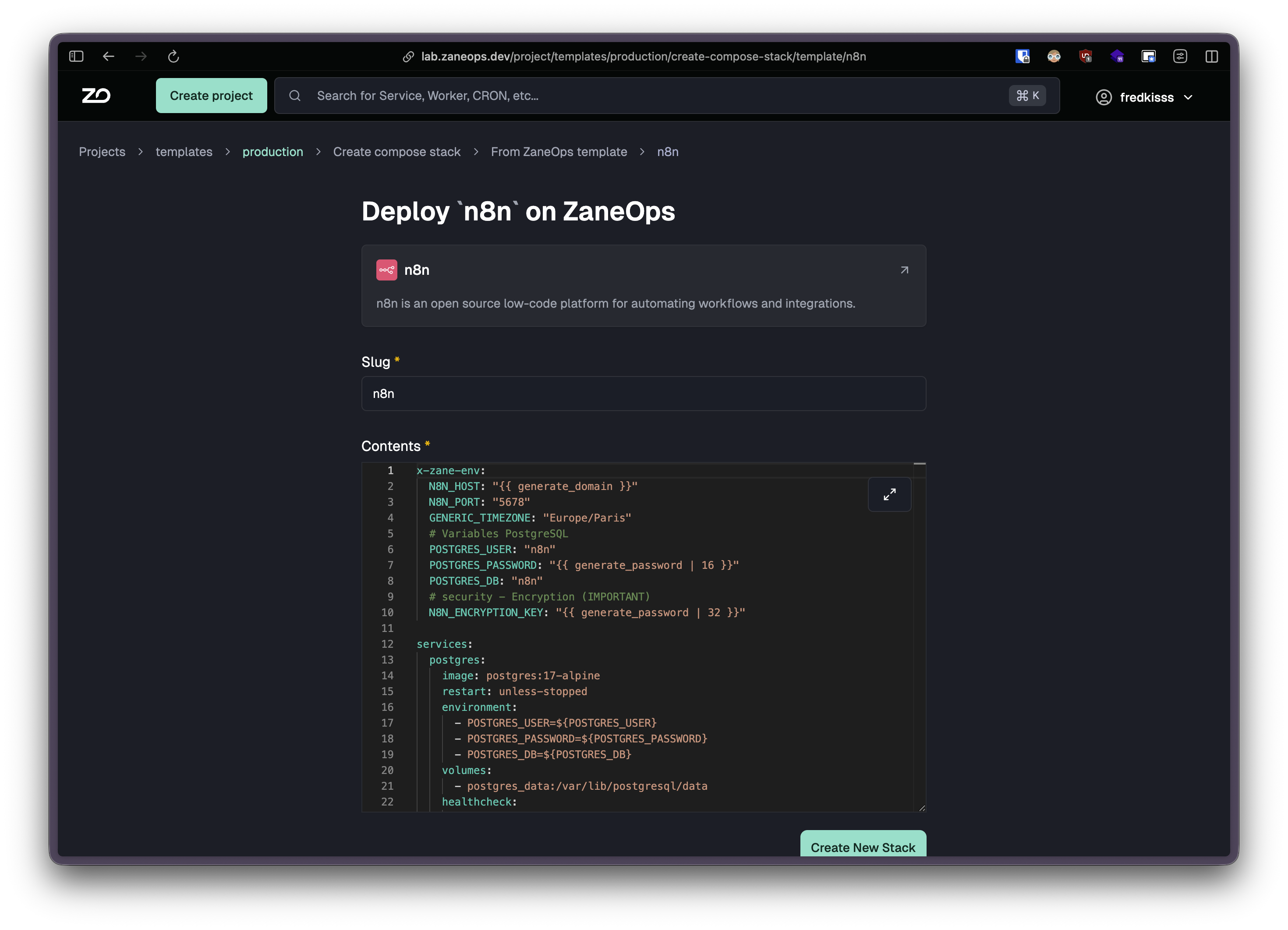
docker-compose.ymlfile: paste your own compose file directly. See below. - From a curated template: pick from ZaneOps’ library of ready-to-deploy stacks (Postgres, Redis, WordPress, and more) to get a pre-filled compose file. Browse all templates ↗.
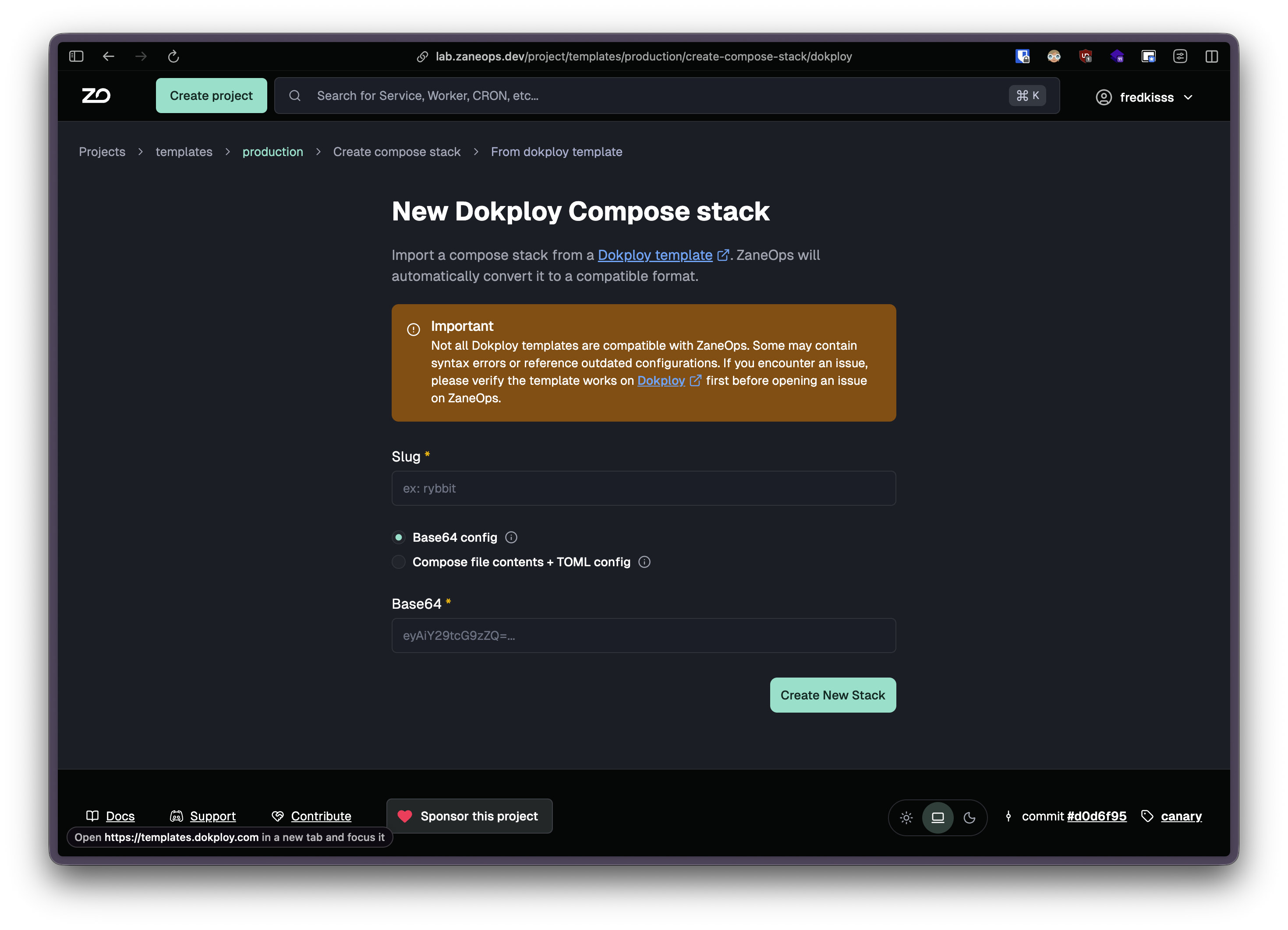
- From a Dokploy template (experimental): paste a base64-encoded Dokploy template and ZaneOps converts it to a native compose file automatically. Learn more.
How to create and deploy a Compose Stack
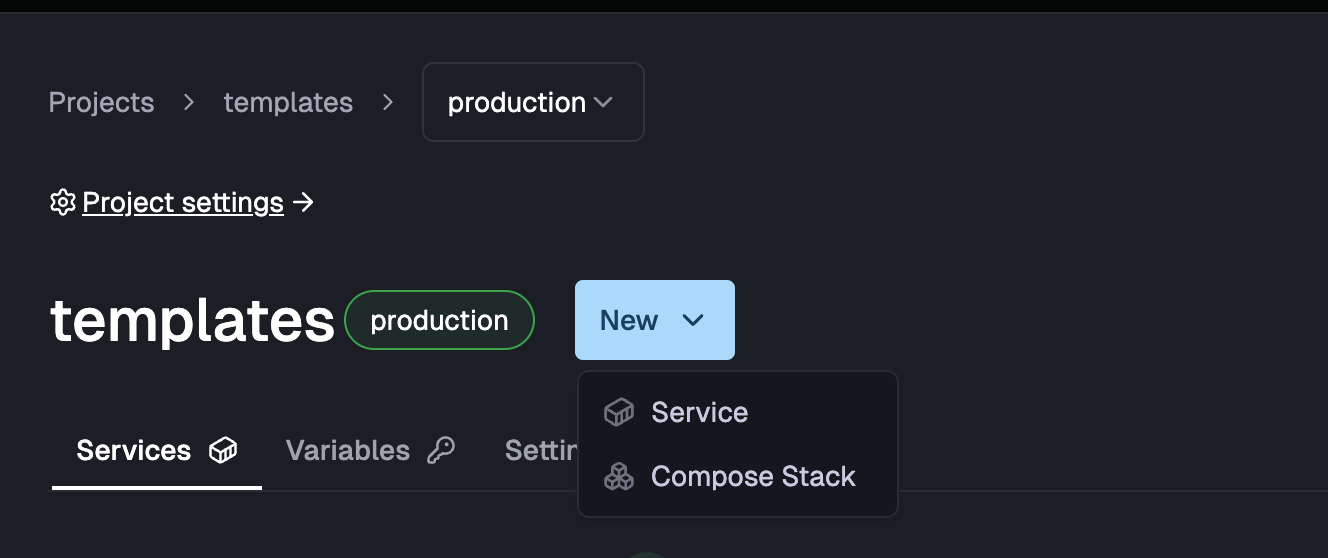
Section titled “How to create and deploy a Compose Stack”- In the ZaneOps dashboard go to your project and select New > Compose Stack
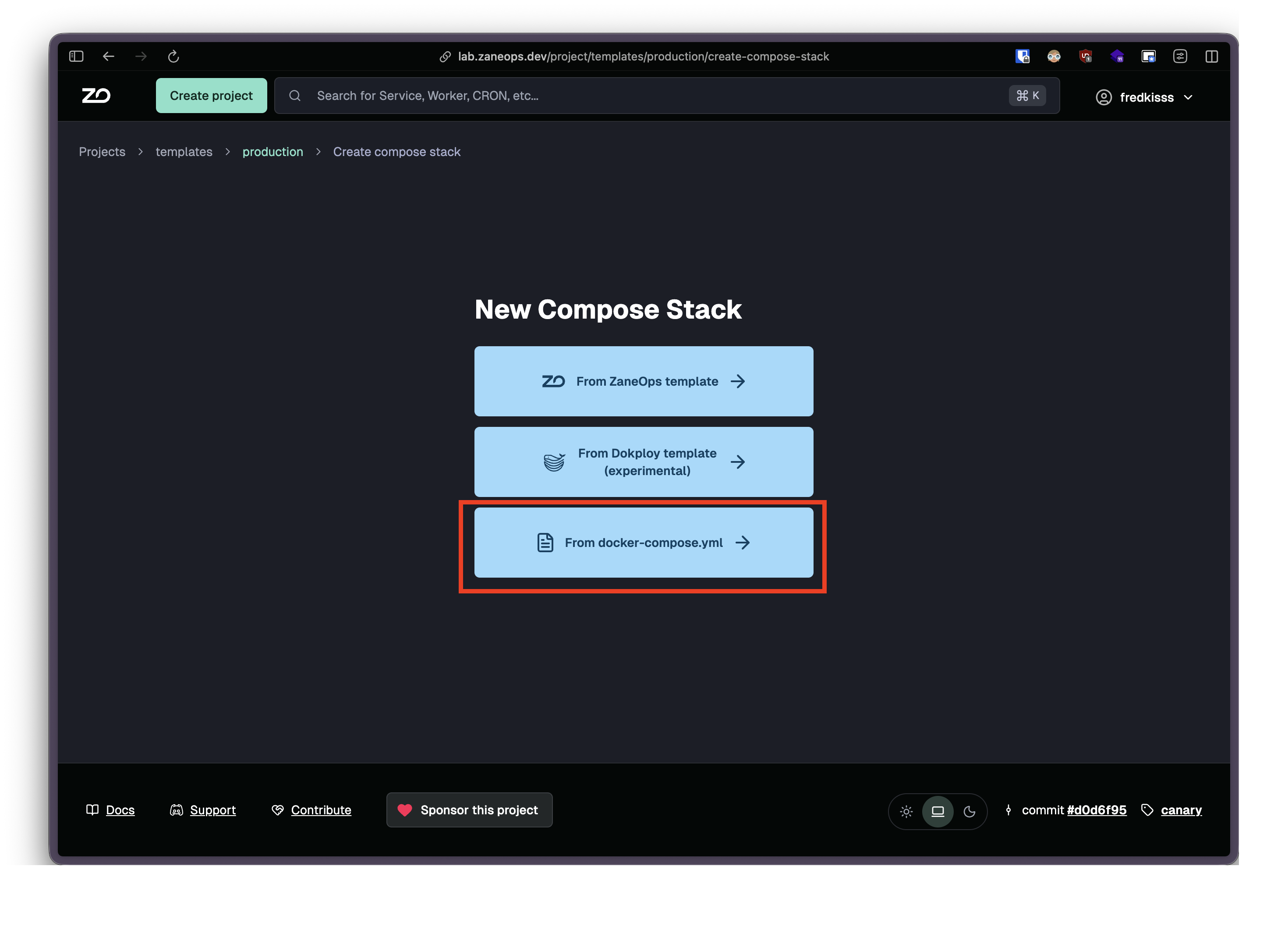
- Select from docker-compose.yml
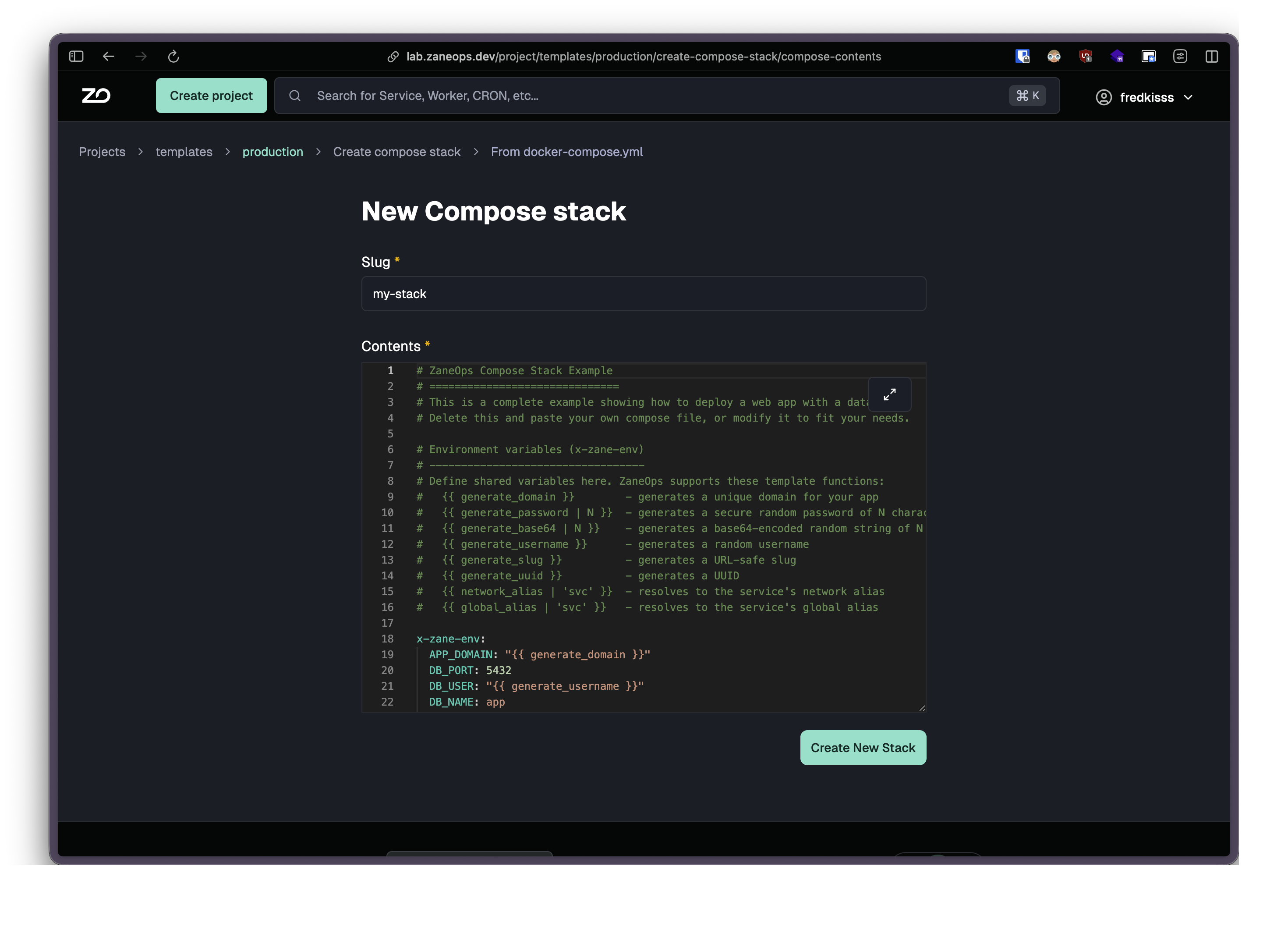
- Paste your compose file
- Click Create and Deploy
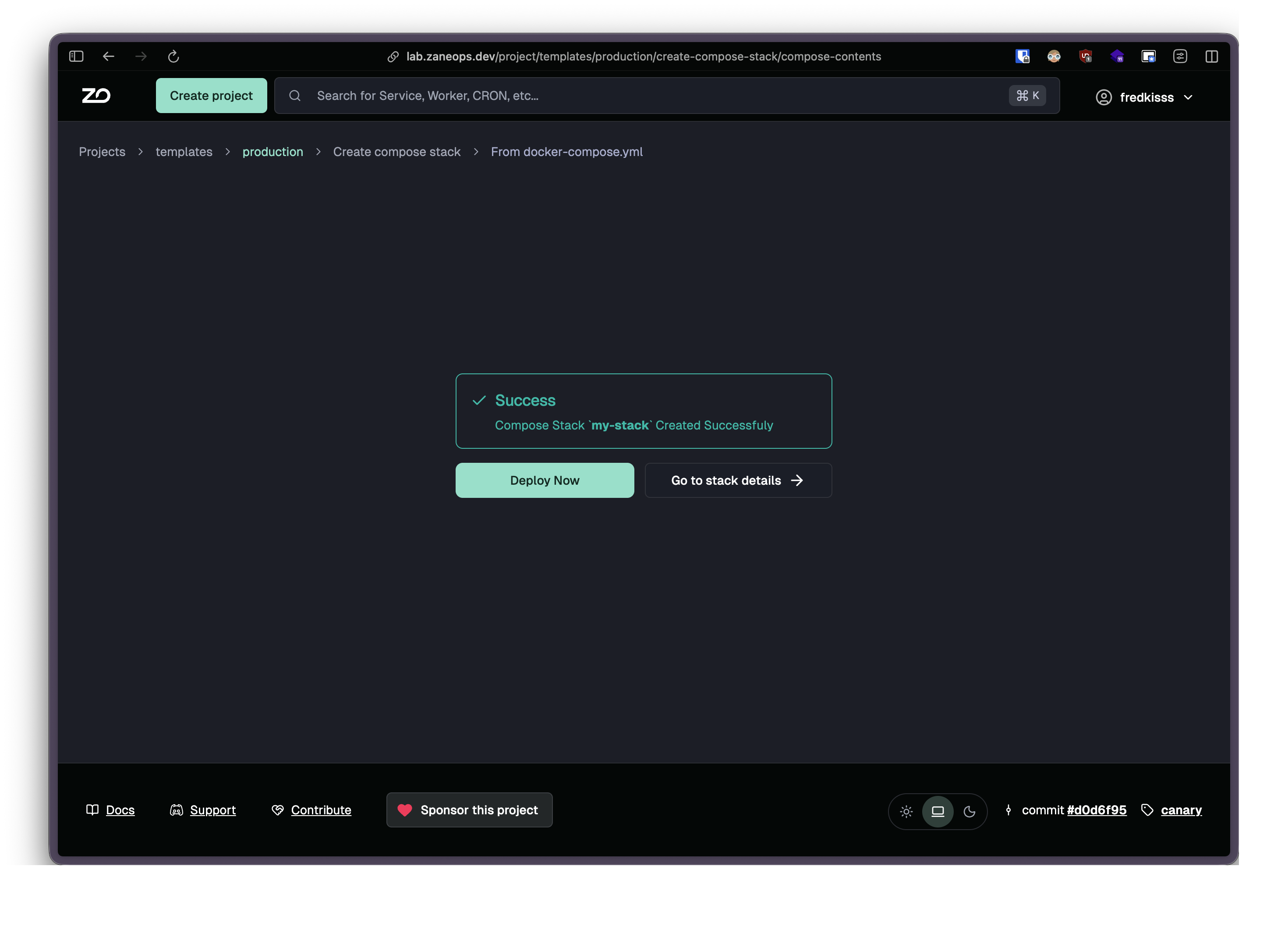
- Your services are now running
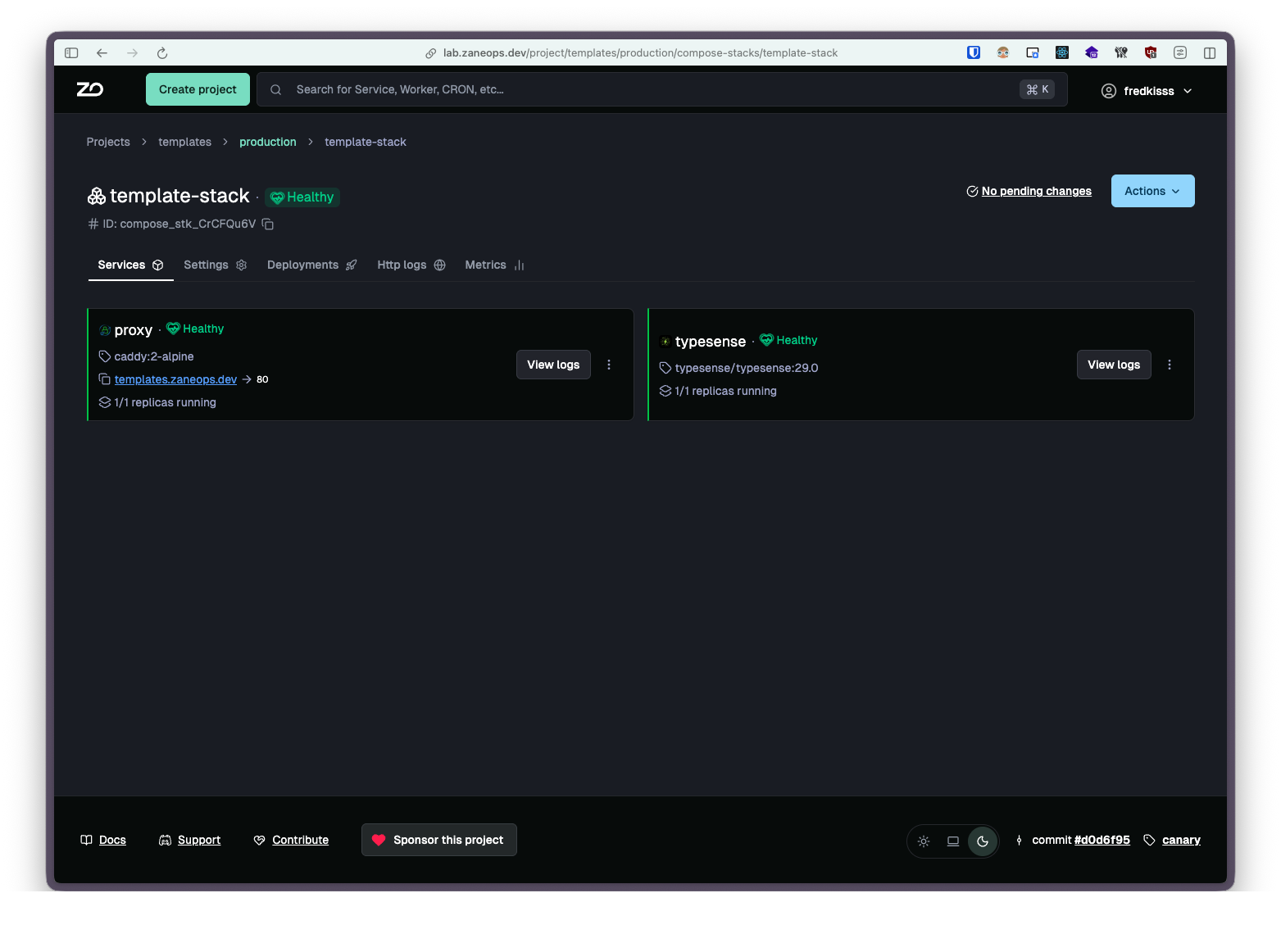
Compose file syntax
Section titled “Compose file syntax”ZaneOps adds some flavor on top of the normal compose file.
- Template expressions for generating secrets, domains, and service aliases
docker-compose.yml x-zane-env:DB_PASSWORD: "{{ generate_password | 32 }}"DB_NAME: "{{ generate_slug }}"services:db:image: postgres:16environment:POSTGRES_PASSWORD: ${DB_PASSWORD}POSTGRES_DB: ${DB_NAME} - Label-based routing instead of port mappings for exposing services to the web
docker-compose.yml services:web:image: nginx:alpinedeploy:labels:zane.http.routes.0.domain: "myapp.com"zane.http.routes.0.port: "80" - Variable interpolation using
${VAR}syntax in env vars and configs - Config versioning for inline configuration files
See the Compose file syntax reference for the full details.