

Auto-deploy
Auto-deploy with Git apps
Section titled “Auto-deploy with Git apps”When creating a service from a Git app, auto-deploy on Git push is enabled by default.
You can customize this behavior:
- Disable auto-deploy if you don’t want deployments triggered on every push
- Automatically clean up the deployment queue (enabled by default), this ensures that if multiple pushes happen in quick succession, only the latest one is deployed.
- Add watch paths to restrict auto-deploys to changes in specific files or directories.
These are defined using Glob patterns (e.g.,frontend/**,{packages/trpc,packages/db,apps/web}/**).

Deployments triggered by a Git push will appear with the label git push:

Auto-deploy via API
Section titled “Auto-deploy via API”Using the API, you can trigger a new deployment for a service without needing to create a git apps. This can be used to trigger a deployment in a Continuous Integration script after a git push.
Example usage: Github actions
Section titled “Example usage: Github actions”Automate your deployment workflow with GitHub Actions to update your application whenever changes are pushed to your repository:
-
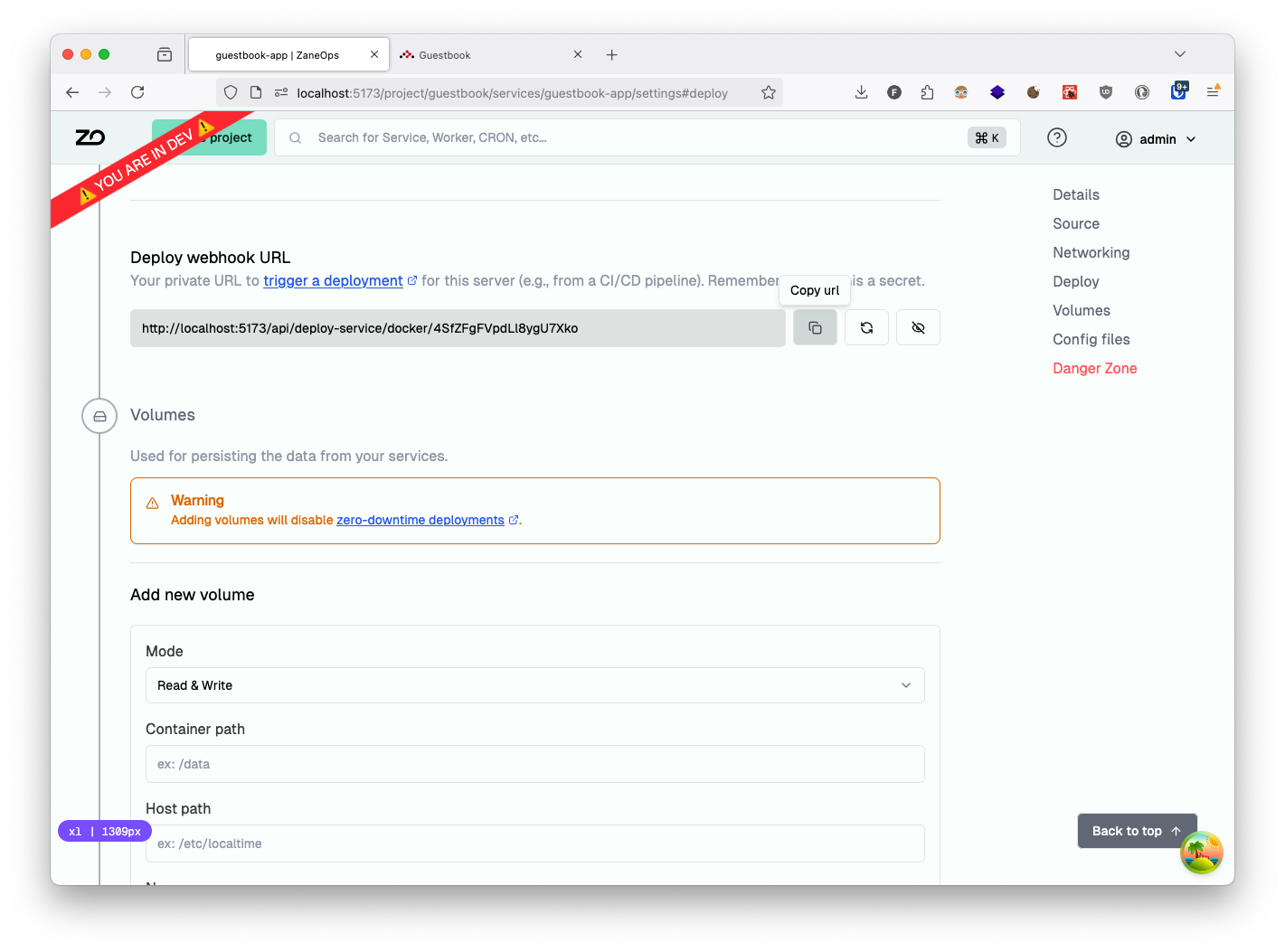
Get your ZaneOps deployment webhook URL: Navigate to service details page > settings > Deploy section > deploy webhook url
-
Store your secrets in GitHub: Navigate to GitHub repository > settings > secrets and variables > actions and add:
DEPLOY_WEBHOOK_URL: Your ZaneOps webhook URL
-
Create a GitHub Actions workflow file in your repository:
.github/workflows/ci.yaml name: Deployon:push:branches: [main] # customize as neededjobs:build-push-app:name: Build and Deploy Guestbookruns-on: ubuntu-lateststeps:- name: Checkoutuses: actions/checkout@v4- name: Deploy to ZaneOpsrun: curl -f -o /dev/null -X PUT "${{ secrets.DEPLOY_WEBHOOK_URL }}" -
With this workflow in place, changes pushed to your main branch will automatically trigger a new deployment, it will show in the list with the label
API: