

Upgrading ZaneOps
Upgrading zaneops via the UI
Section titled “Upgrading zaneops via the UI”Introduced in v1.7.0
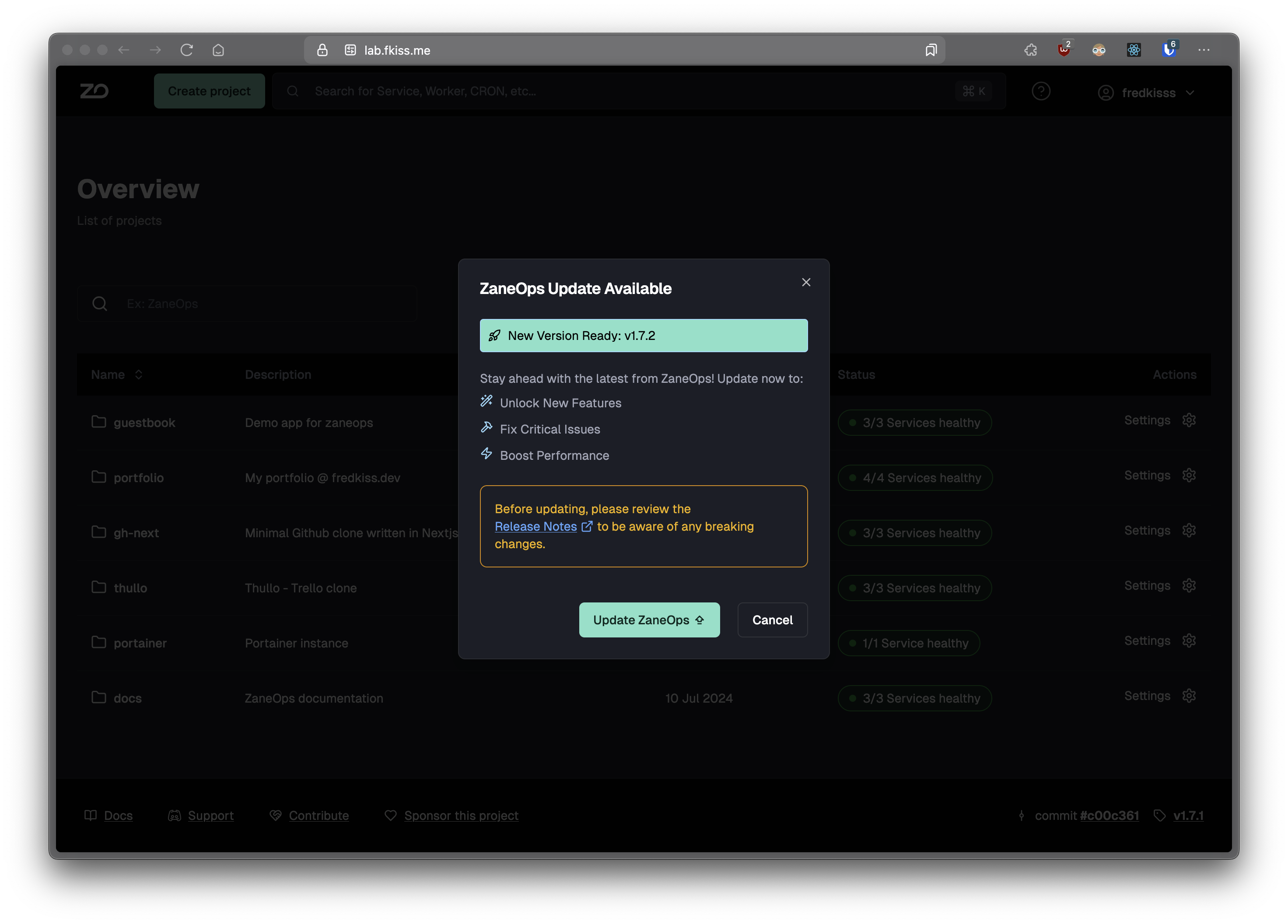
When a new version of ZaneOps is available, you will get a toast notification in the dashboard, allowing you to update via the UI :


Upgrading zaneops via the terminal
Section titled “Upgrading zaneops via the terminal”zaneops is updated automatically to the version specified in the .env file in IMAGE_VERSION.
However if you use the canary version, you will automatically be updated to the latest version on the main branch, which can contain breaking changes ⚠️.
To update the version, change it in .env :
IMAGE_VERSION="v1.11.1"# ... other env variablesThen deploy again with :
make setup # re-download configuration files to run zaneopsmake deploy