

Zero-downtime deployments
ZaneOps automatically attempts to deploy your app using the blue/green deployment strategy. This ensures that your current version remains running and accessible while the new version is being deployed.

Health Checks
Section titled “Health Checks”To ensure your service is fully operational before switching it to production, we recommend using health checks.
Health checks provide an additional verification step during deployment and continuously monitor your app’s health.
You can define a health check using either:
-
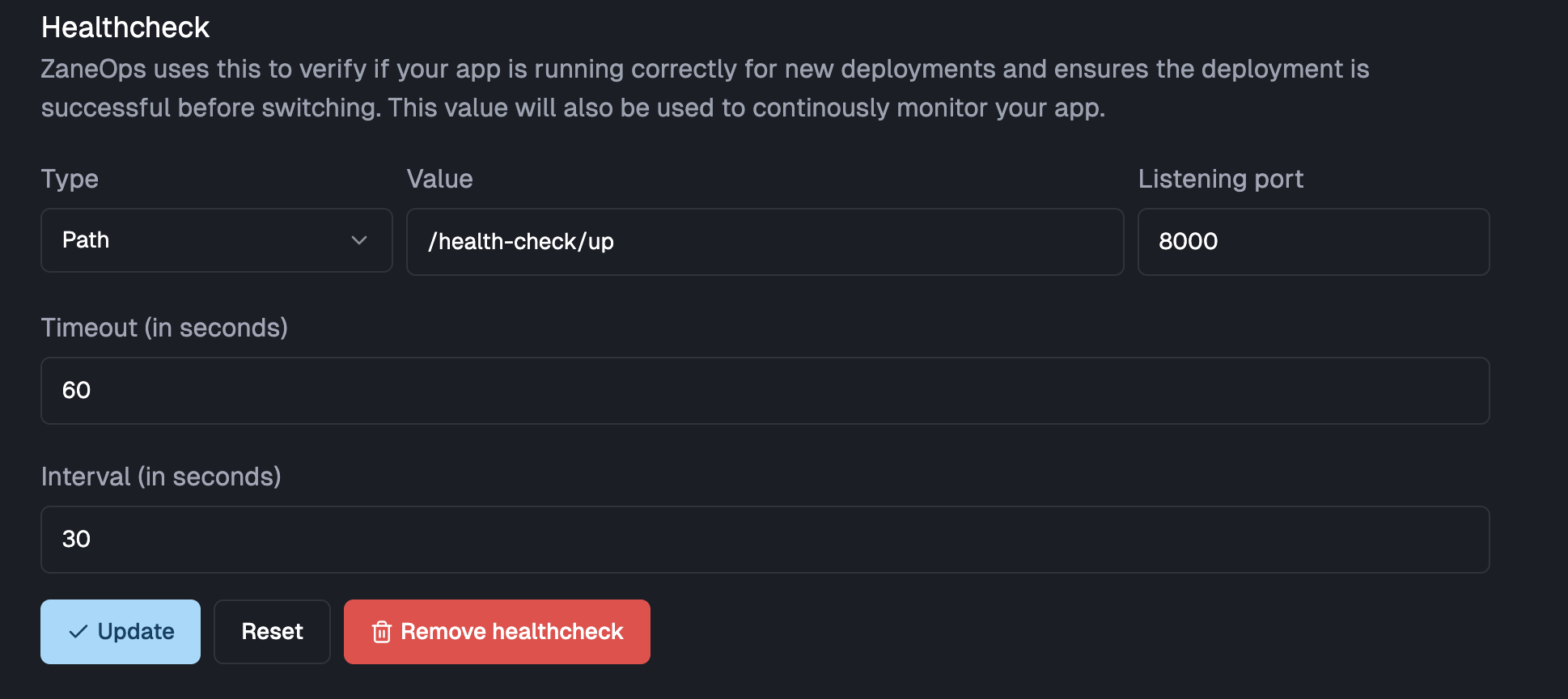
Path: ZaneOps will check that the specified endpoint returns a response with a succesful status code (
2xx) during deployment.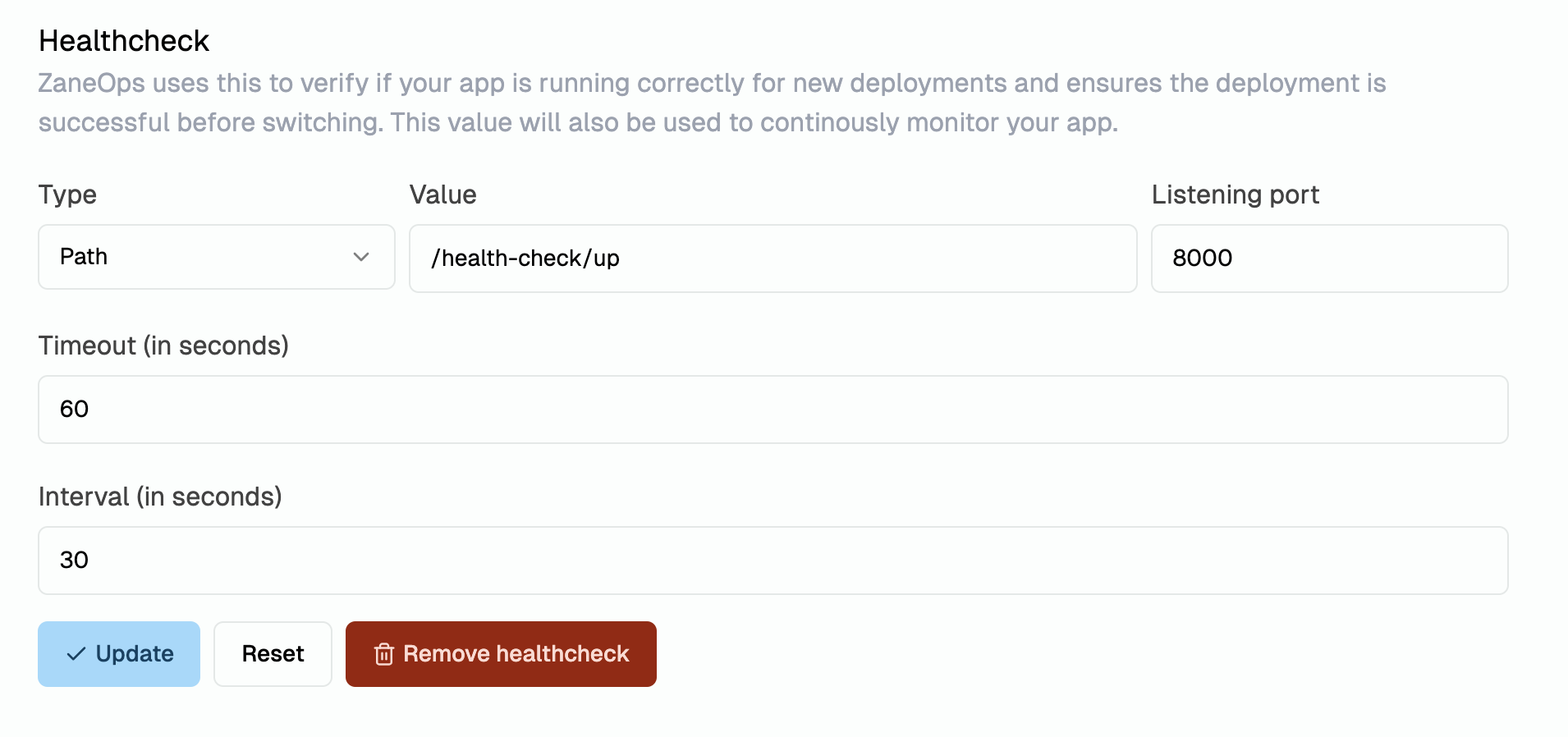
-
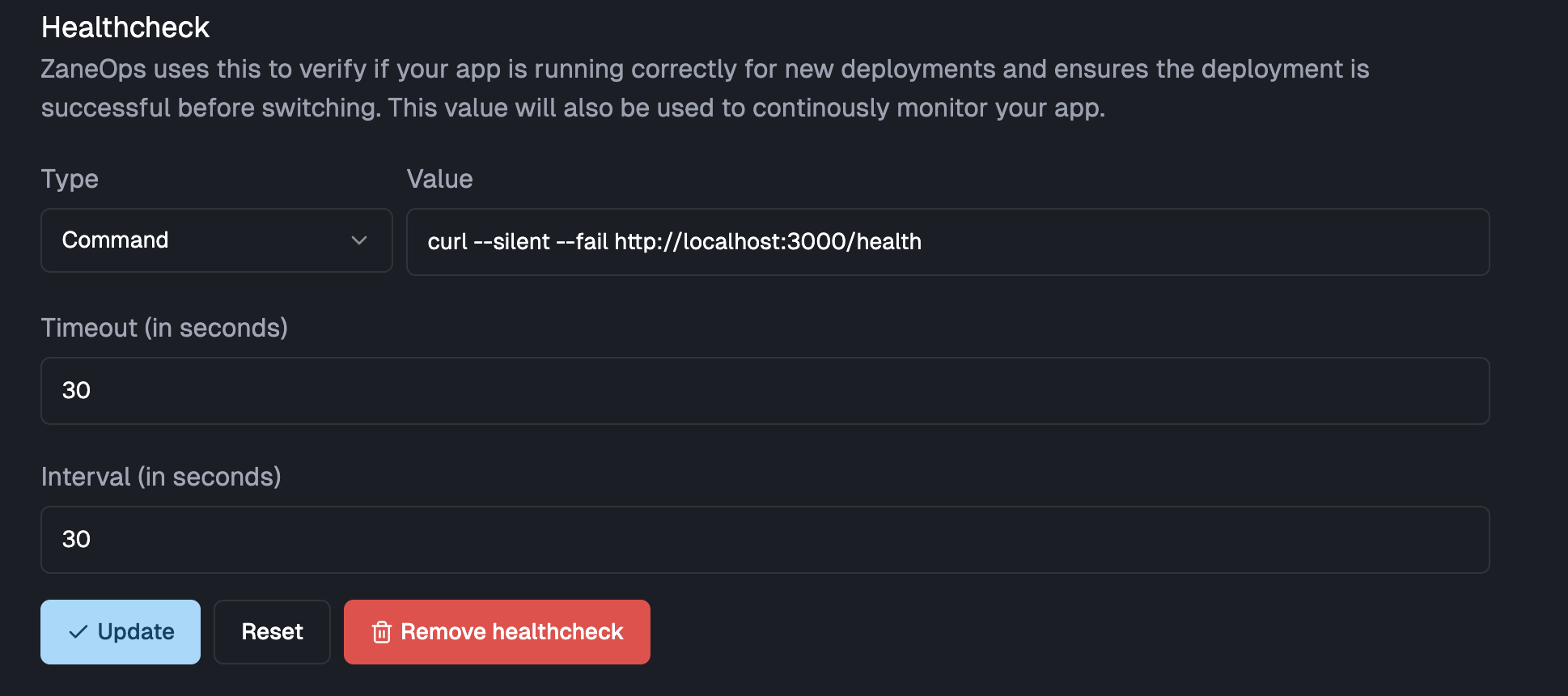
Command: ZaneOps will execute the specified command and ensure it exits with code
0.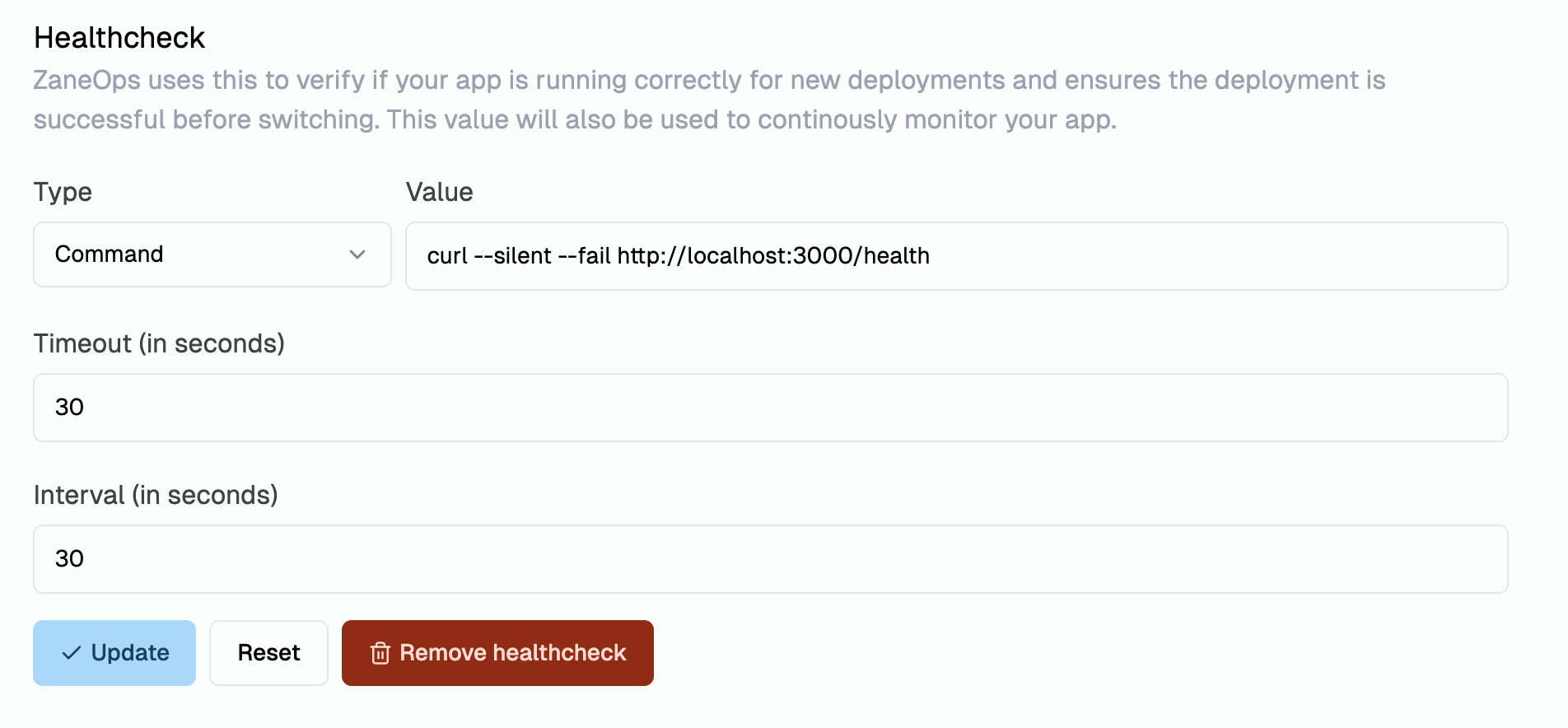
For each new deployment, ZaneOps creates a monitoring job with the following settings:
- Interval: Specifies how often the health check runs.
- Timeout: Used only during the initial deployment, not for continuous monitoring.
Situations That Disable Zero-Downtime Deployment
Section titled “Situations That Disable Zero-Downtime Deployment”Zero-downtime deployment is disabled in two cases:
-
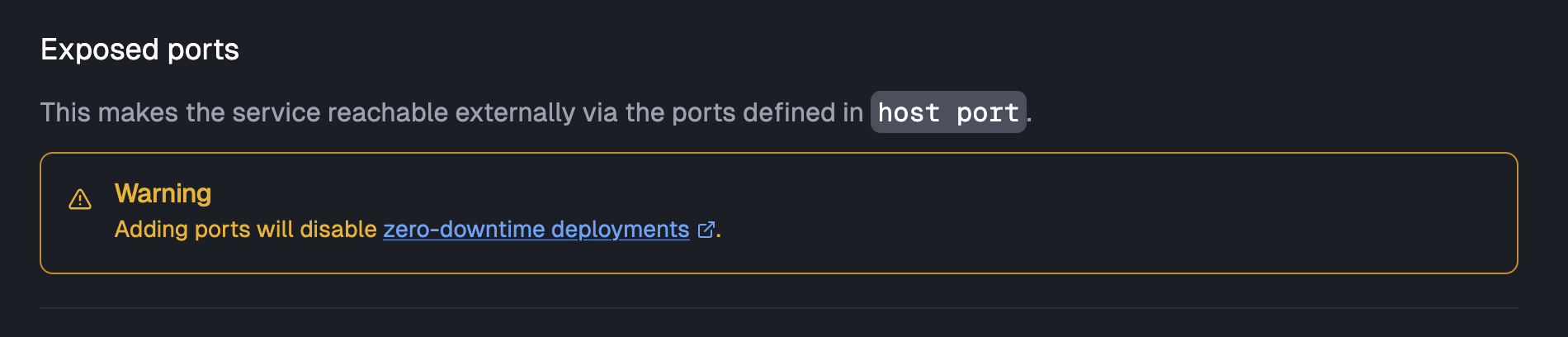
When exposing ports: To prevent conflicts with already exposed ports.

-
When adding volumes without a host path: To prevent conflicting writes to the same path.

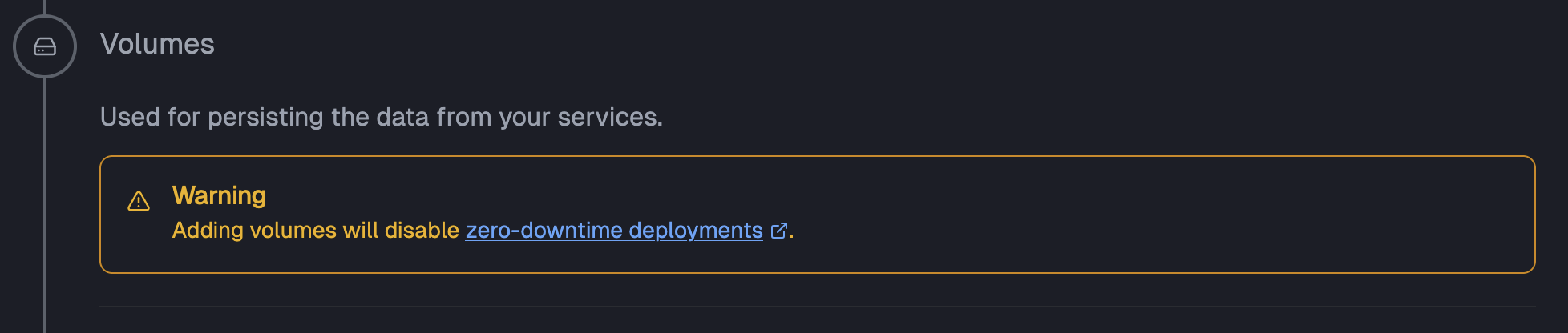
However, volumes with a host path still allow zero-downtime deployments, as ZaneOps mounts them in read-only mode.
If zero-downtime deployment is disabled for a service, ZaneOps will put the previous version to sleep while deploying the new version, making it temporarily inaccessible.
